All systems go.

Migrating to BigCommerce

Everyone aims for the stars. Now, let’s reach them. Ready, set, launch.

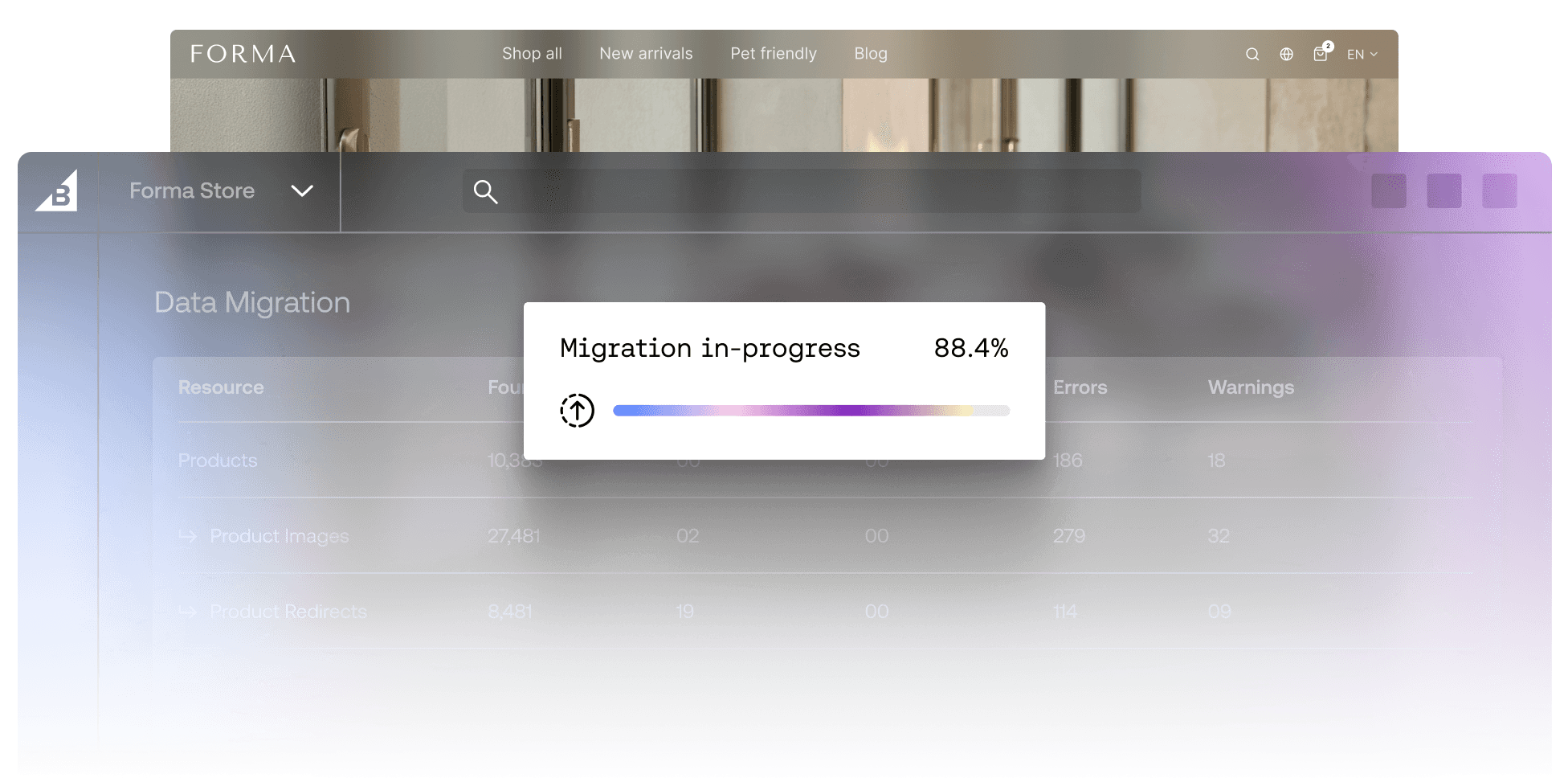
BigCommerce dashboard displaying a data migration progress bar at 88.4% complete

T-minus 3

Prepare for take off

00:03

Create your site.

Start designing your storefront on BigCommerce while moving into the following steps.

00:02

Import your data.

Move data to BigCommerce using our migration app, premium migration services, or a third-party agency.

00:01

Integrate tools.

Easily incorporate your tools with the integrations in our app marketplace, or create your own via our composable infrastructure.

Launch

It’s time to take off.

Launch your site out of this world and expand with 1,200+ integrations, no limitations, and support from mission control.
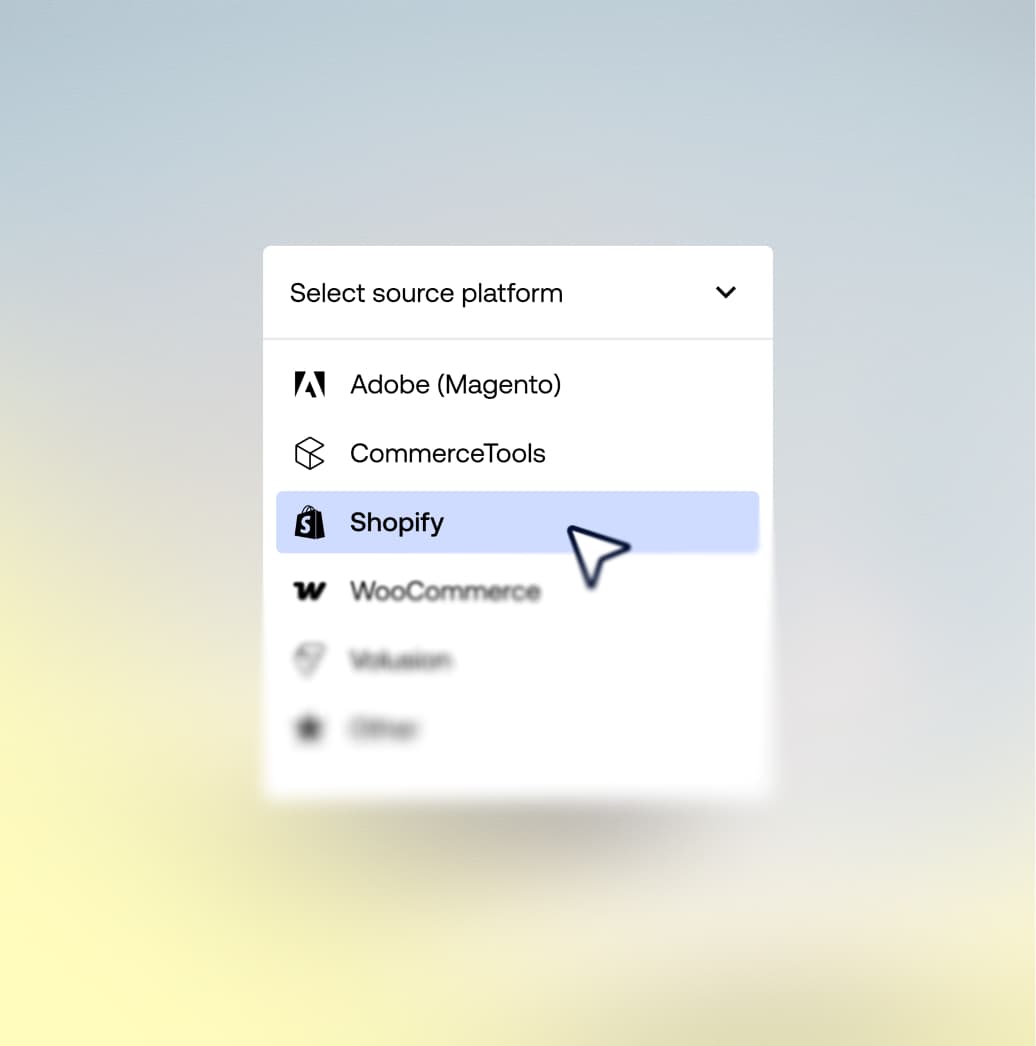
Dropdown menu for selecting source platform during data migration with Shopify highlighted

Launch made easy

The BigCommerce Data Migration App

Easily migrate from Shopify, WooCommerce, Adobe Commerce (Formerly Magento), and other platforms with our migration app:

Streamline migration with end-to-end AI-powered assistance.

Transfer 500,000 product, customer, and order records with ease.

Rest easy with post-import error reporting and issue identification.

Safely migrate with a fully secure process across multiple platforms.

Mission control:
migration support

Boldly go where no business has gone before. But, don’t go it alone with premium support for every stage of launch.

Migration planning

Custom-built launch plan and agency hunting support.

Data optimization

Expert-handled safe and secure data migration.

Video showing issues being resolved

Employee training

Self-paced and in-person courses on marketing to coding and beyond.

Launch support

Certified experts deliver 20 live webinar coaching sessions on SEO, paid, and more.

Flight control team, standing by.

End-to-end support.
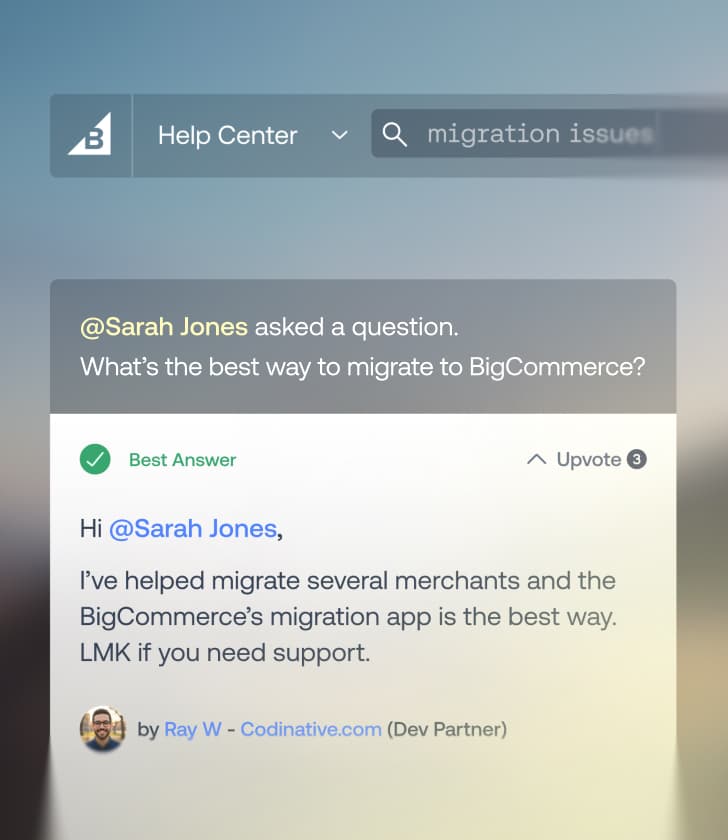
BigCommerce Help Center forum post showing a question about store migration and a verified best answer

A big community.

Swap support and ideas with the more than 20,000 businesses, developers, and partners that make up our thriving community.

Support agent with headset working at a laptop with a overlay asking How can I help you today

We’re here 24/7/365.

Live chat? Email? However you want to reach us, whenever you want to reach us, we’re here to help.
Person typing on a laptop with a data transfer status bar showing 88.4% completed

Trusted partners.

More than 600 trusted agency partners can help beyond launch, providing email marketing, SEO, and more.

Real-life launches.

Fellow brands
who made the switch.

Walton's logo
“The last time we migrated, we prepared for a full year. This time, we were able to write the product integration code in a week’s time. It amounts to huge cost savings.”

Jonathon Tremblay, Media Manager, Walton’s

55%

increase in conversion rate

7.4%

increase in orders

It’s not rocket science: migration guides

FAQs about migration

Migrating to BigCommerce won’t affect SEO or search rankings, as long as you map URLs, set 301 redirects, and migrate meta titles/descriptions and SEO URLs. All of which is made easier by BigCommerce’s support for redirects and URL rewrites.


You should expect a temporary dip in your search performance, but it will recover over time.


You can migrate your products, variants, SKUs, images, categories, customers, order history, blog posts and CMS pages, and SEO URLs and 301 redirects to BigCommerce, with data relationships staying in-tact.

Migrating to BigCommerce can take anywhere from days to weeks, depending on the complexity of your store and whether you’re using the migration app.


A complete store migration of 500 SKUs or fewer can take one-to-two weeks, mid-size stores can take three-to-six, and large stores can take up to 12 weeks depending on catalogue complexity and integrations.


For those with complex setups, BigCommerce offers launch services that include professional support.


During the data transfer period, your store will stay live when migrating to BigCommerce. The only outage will occur at a scheduled period, prioritising a low-traffic window. Downtime is ultimately kept to a minimum by using a staging build and DNS switch.

Migrating to BigCommerce is free when using the Data Migration App, which covers up to 500,000 records.


Migration can incur costs if you opt for an agency or expert-led data migration services, which fluctuate depending on the scope of your catalogue, integrations, and overall complexity of the migration.

Yes, you can keep your existing domain when migrating to BigCommerce. You can change your domain on BigCommerce by updating your DNS records and setting 301 redirects to ensure old URLs resolve properly.

There are three different paths for migrating to BigCommerce: the self-serve Data Migration app, expert-led migration services, and certified agency partners.


If your store isn’t overly complex, you can typically handle the migration yourself using the app.

Yes, you can migrate to BigCommerce for free using the BigCommerce Data Migration app, as long as your catalogue doesn’t exceed 500,000 products.


The BigCommerce Data Migration app will migrate orders from Shopify, Magento (Adobe Commerce), WooCommerce, Volusion, and ZenCart with AI-powered assistance and post-import error reporting.

You can migrate to BigCommerce from Shopify, WooCommerce, Adobe Commerce (Magento), Volusion, ZenCart, Salesforce Commerce Cloud, and more, using self-serve or managed migration services.

You should replatform or switch ecommerce platforms when your current platform is limiting growth in one way or another. This can include scaling or performance limits, rising app or TCO costs, missing core B2B or multi-storefront capabilities, or integration friction.

Ready to launch?

You bring the big ideas, and we’ll provide the momentum and platform to carry them out of this world. Press the button and lift off.

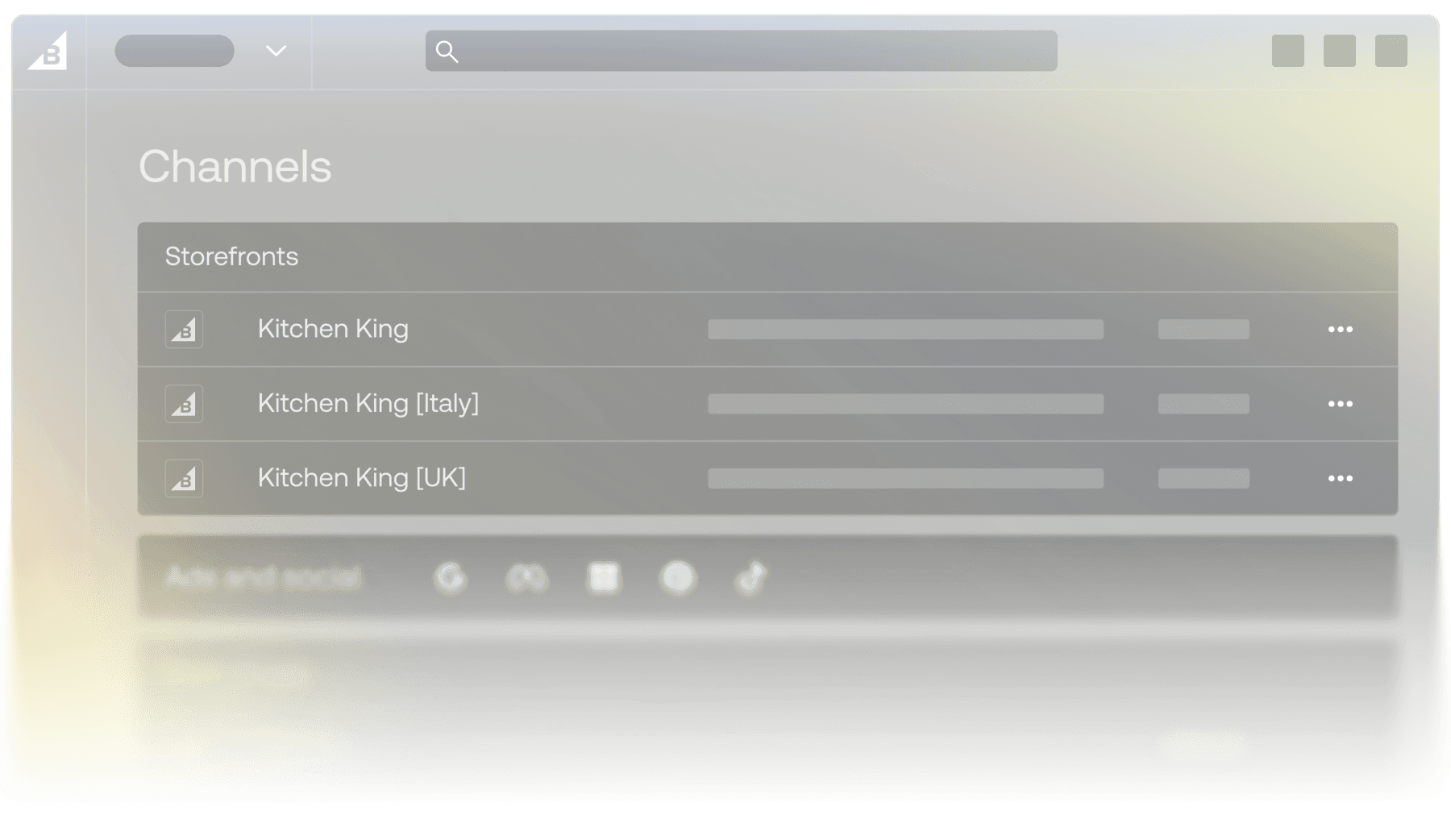
BigCommerce Channels menu showing regional storefront listings for Kitchen King