


- Featured
B2B Edition
Advanced B2B features for enterprise plans.Catalyst
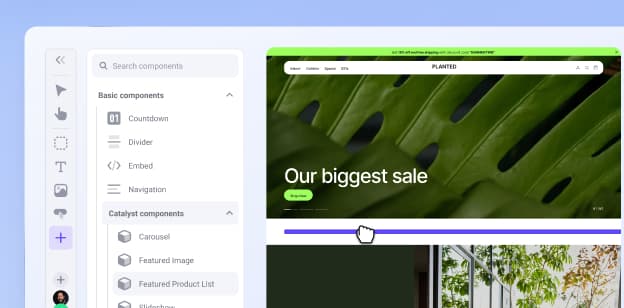
NewCreate stunning, high-performing storefronts that captivate and convert.Feedonomics
Omnichannel feed and data transformation.Multi-Storefront
Manage multiple unique stores from one account.International
Grow your brand across the globe.
- Launch Services
Overview
Chart your path to success with specialised services.Implementation Project Management
Experts to ensure you launch on time and under budget.Solution Architecture
Seasoned advisors to help you best design your store.Data Migration & Optimisation
Expertise on a clean and clear path to migrating your data.Enterprise Launch Package
Personal training on how to set up and launch your BigCommerce Store.
Professional Services Blog Series
Get to know our teams and how they support your success in this Q&A series.

The Global B2B Buyer Behavior Report
This in-depth report provides actionable strategies to help you sell more online.
Explore the
BigCommerce platform
Get a demo of our platform to see if we’re the right fit for your business.
Not ready for a demo? Start a free trial
BigCommerce Improves Google Pay Checkout to Prevent Address Overrides

Written by
Aleksandr Topchienko12/03/2026

Key highlights
At BigCommerce, we’re continually refining checkout to give merchants more control and shoppers a more predictable experience. Beginning April 27, 2026, we’re updating how Google Pay interacts with billing and shipping addresses — eliminating unexpected address overrides and keeping express payments consistent.
Checkout keeps any billing or shipping address the shopper already entered
Google Pay only fills addresses when the checkout address fields are empty
This prevents silent address changes that can affect shipping rates, fraud checks, and custom fields
Rollout begins April 27, 2026
How it works today
Here’s the current behaviour in some scenarios at BigCommerce checkout:
A shopper manually fills in billing and shipping address fields
The shopper opens the Google Pay modal and selects a different credit card
The billing and shipping addresses on the checkout page update to the address tied to that newly selected card in Google Wallet
For some stores, this can create mismatches between what the shopper entered and what Google Pay applies. It can also create additional issues such as:
Trigger incorrect shipping rates
Cause custom checkout fields to disappear
Interrupt fraud validation logic
Create shopper confusion at the final step
What’s changing
When a shopper uses Google Pay at BigCommerce checkout:
Checkout preserves any existing billing and shipping addresses
Checkout will no longer accept address overrides from Google Wallet
Google Pay only populates addresses when the checkout address fields are empty.
In other words, Google Pay’s behaviour will now become “fill if empty,” instead of, “override what’s already there.”
Why this matters
This change helps prevent unintended address updates that can affect the shopper’s checkout experience and downstream operations, including:
Additional form fields that display based on address values
Shipping rates and eligibility that change by region, local area, or address type
Fraud checks that rely on consistent billing and shipping details
It also improves consistency across express payment methods, reduces support issues tied to address mismatches, and gives enterprise customers more control over address-handling logic. Most importantly, it helps protect shopper trust by avoiding silent address changes.
Rollout and availability
Our new Google Pay shopper address flow expands to all eligible stores beginning April 27, 2026..
What you need to do
For most customers, no action is required.
If you have checkout customisations or downstream systems that rely on the previous Google Pay address behaviour, plan to test your checkout flow once the change is enabled for your store — especially if you rely on:
Address-triggered custom fields
Shipping logic based on address updates
Fraud tooling that expects Google Wallet to rewrite billing details
This update is part of our ongoing commitment to delivering predictable, merchant-controlled checkout experiences — without sacrificing express payment convenience.
To learn more about how Big Commerce is improving the checkout experience read: Excel in Ecommerce Checkout Optimisation: Proven Steps to Build Trust and Boost Sales.
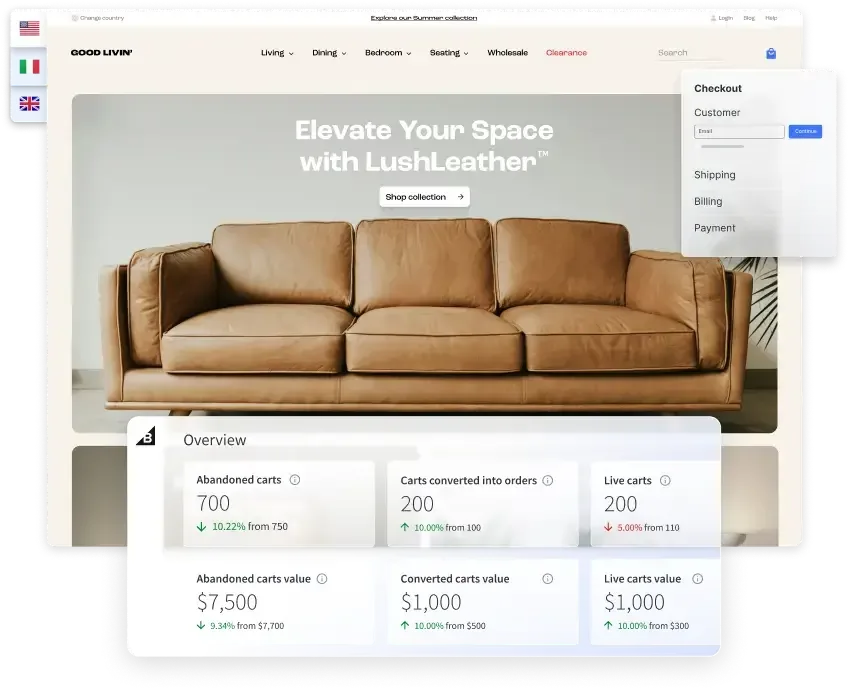
⏰ Isn't about time that you evaluated your ecommerce platform?
Request a demo to see how the BigCommerce platform is different.